Aniimo Patch Notes: Latest Updates, Hotfixes & Timeline
All Aniimo patch notes since launch: v1.0.3732728.0 Home Season boost, Egg Heist fixes, 1.1 Windchaser's Departure, and console performance improvements.
Polaris Institute released patch v1.0.3732728.0 on October 15, 2026, granting 100 Glimmer compensation, boosting Home Season crop mutations, fixing Egg Heist key consumption doors, and resolving controller target selection errors.
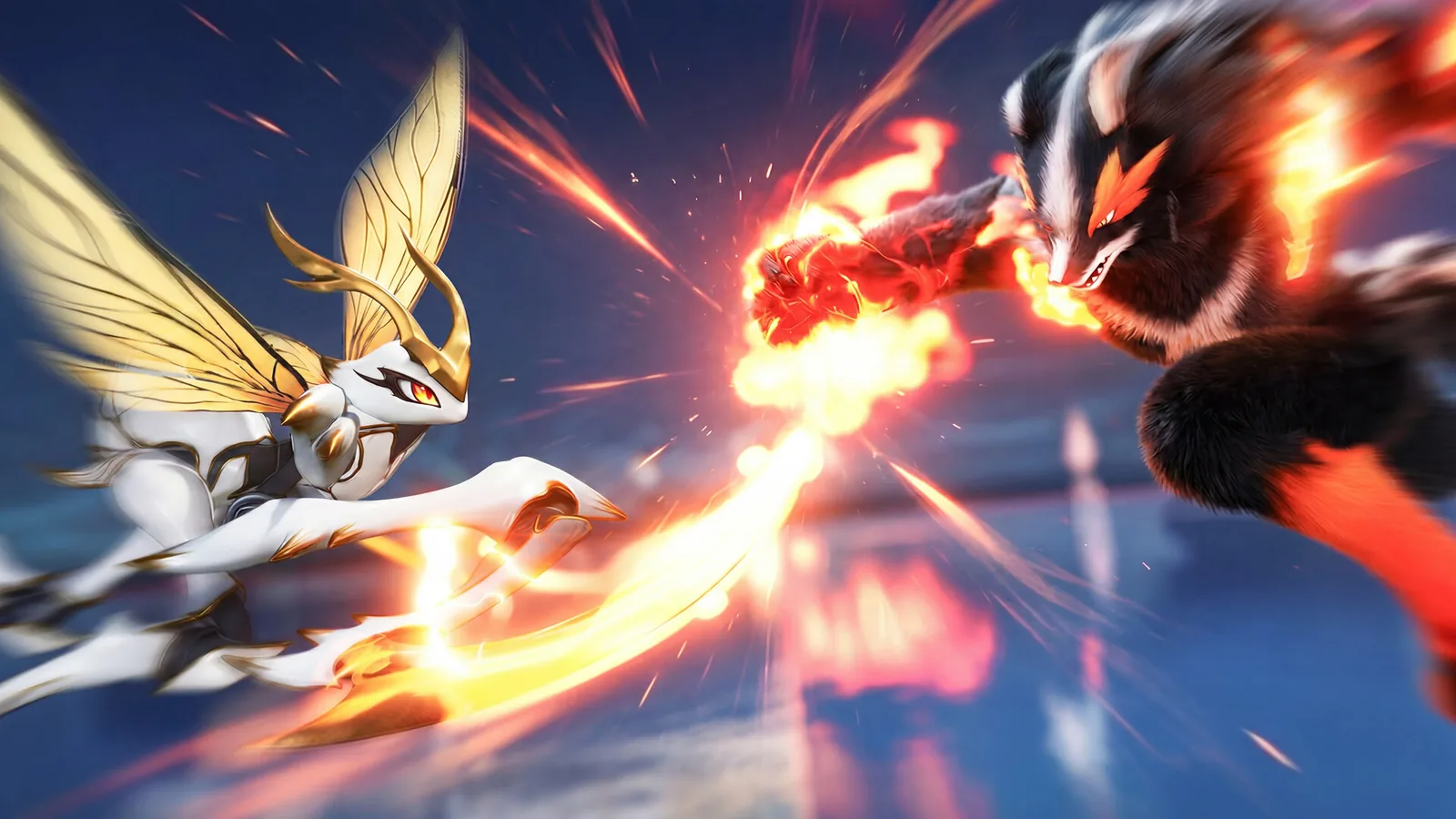
If you have been away from Aniimo for a few days, this page catches you up on everything Polaris Institute has changed since launch. Every entry below comes from the official patch announcements published on the game’s Steam news feed, summarized in clear language so you can tell at a glance whether your problem has been fixed and whether you need to adjust any settings yourself.
Patch Timeline at a Glance
| Version | Date | Headline Changes |
|---|---|---|
| v1.0.3732728.0 | Oct 15, 2026 | Home Season crop boost, Egg Heist door fix, controller focus accuracy |
| v1.0.3616231.0 | Sep 29, 2026 | Transmog texture blur, Alpha catch failures, achievement unlocks |
| Update 1.1 (Windchaser’s Departure) | Sep 23, 2026 | Mobile global launch, Legendary Irisalis, compensation mail |
| v1.0.3551601.0 | Launch Window | Sanctum revive failures, Bond Egg hatching, catch processing |
| v1.0.3544783.0 | Sep 18, 2026 | Red screen fix, red-eye graphics bug, Susuta/Dr. Glass challenge entry |
| v1.0.3535596.0 | Sep 16, 2026 | Launch-day fixes: disconnects, combat damage, Steam controller setup |
Patch v1.0.3732728.0: Home Season Boost and Egg Heist Fixes (October 15, 2026)
Patch v1.0.3732728.0 arrived on October 15, 2026, delivering substantial quality-of-life adjustments to homestead farming, critical dungeon progression fixes, and vital UI protections for controller users managing rare consumables.
Update Schedule and Compensation
- Deployment Window: Deployed on October 15, 2026, with zero server downtime. Pathfinders could download the hotfix client update without experiencing scheduled maintenance interruptions.
- Mail Compensation: All Pathfinders registered before the 1.1 update received 100 Glimmer delivered straight to their in-game mailbox as maintenance appreciation and hotfix compensation.
Home System Enhancements and Harvest Gathering
Homestead progression receives significant momentum in this update, especially for Pathfinders cultivating rare crop variants:
- Home Season Boost Period: Active immediately following the patch, the seasonal boost increases rewards across gardening and farming activities.
- Increased Crop Mutation Rates: Farmers cultivating Moondew Radish and Waxing Moon Pepper will experience markedly higher mutation chances, making hybrid and variant harvesting significantly more reliable.
- Higher Harvest Moon Points: Yields gathered during the boost period grant increased Harvest Moon Points per harvest, speeding up milestone rewards in the seasonal homestead track.
- Stage 3 Harvest Gathering Schedule: The official opening window for Stage 3 Harvest Gathering has been set for October 20 to October 21, 2026. Farmers should bank extra seeds and fertilizer in preparation for the community event.
New Store Outfit: Batlock Holmes
Cosmetics receive a thematic addition with the release of the Batlock Holmes hunting outfit, scheduled to arrive in the in-game store on October 16, 2026. The detective-inspired hunting attire features tailored leather accents, cape detailing, and custom field-ready accessories suited for late-autumn tracking.
Crucial Gameplay and Activity Bug Fixes
Several progression-blocking and display issues across cooperative dungeons, social hubs, and combat training have been resolved:
- Operation: Egg Heist Key Consumption Door Bug: A severe bug previously caused locked doors inside Operation: Egg Heist to remain sealed even after the fireteam consumed dungeon keys. This bug stranded squads without loot access and consumed scarce keys with no payout. The door trigger logic has been corrected to unlock reliably upon key consumption.
- Furniture Store Purchase Quantity Bug: When purchasing furniture items in bulk, the quantity selector had an annoying glitch that reset the purchase counter back to 1 upon confirmation. The counter now correctly honors player-selected batch quantities.
- Elite Training Performance Lag: Fixed severe frame drops and input lag during high-intensity sessions in Elite Training, restoring steady framerates across consecutive waves.
- Horizon Square Sparkelf Statue Visibility: Resolved an asset streaming bug where the central sparkelf statue in Horizon Square vanished or failed to render for visiting players.
- Gilded Bough Dewpearls Skin Tone Desync: Fixed a character model synchronization error in the Gilded Bough where Dewpearls skin tone mismatched between local clients and remote party members.
- Vein Abundance Inferlupa Prismana Form Image: Corrected the reward preview asset in Vein Abundance, where the Inferlupa Prismana Form image was either missing or swapped with standard variant art.
Controller and Console Performance Upgrades
- Controller Focus Indicator Mismatch in Aniimo Management: In previous builds, navigating Aniimo Management with a gamepad or console controller could show a visual focus border on one creature slot while the system registered an adjacent slot behind the scenes. This desync caused catastrophic errors where players applied irreplaceable items, such as the Sparkling Sigil, to the wrong Aniimo. The visual focus box and the underlying selection cursor are now locked in strict 1:1 synchronization.
- Holo-Battle Stability and Faster Loading: Addressed memory leak crashes during rapid Holo-Battle matchmaking sessions and substantially optimized shader loading times on PC, PlayStation, and Xbox consoles.
Patch v1.0.3616231.0: Texture and Achievement Sweep (September 29, 2026)
This update introduced 14 bug fixes targeting visuals, creature capture mechanics, and co-op world states:
- Transmog Texture Blur: Some of Irisalis’s model textures became blurry after switching to styles from the Starbloom Moonlight or Sunflare Rose sets. Grizbo, Luminelle, and Sherro also had blurry textures fixed.
- Alpha Catching: Attempts sometimes failed with the message “Cannot catch the Alpha in the current state” even when conditions were legitimate. That false failure flag was eradicated.
- Co-op Progression Block: Joining a friend’s party via “Come to My World” early in the campaign could block progression flags. The multiplayer co-op & PvP guide covers how party invites and shared worlds work once this fix is live.
- Achievements: “Safe and Sound” and “Friends in Focus” could not be unlocked due to missing trigger callbacks; both now register properly.
- Scene Loading: A rare teleportation bug loaded the wrong map coordinates. If you ever hit this desync, the official fix is to travel to the Outpost and interact with the green checkpoint point to reload.
- Operation: Egg Heist: The Umbral Stellarys Alpha’s immunity to control effects did not always trigger properly, allowing crowd-control cheese that has now been normalized.
- Controller Cleanup: Sparkling Aniimo can now be selected with a controller in Aniimo Management, conflicting button inputs in Companion Mode were resolved, and the flight exit combination works again.
- PlayStation: Opening the Album no longer triggers frame stuttering.
Two presentation updates rounded out the patch: the item acquisition notification icon for Legendary Aniipod Irisalis was refreshed, and the showcase media for Legendary Aniipod “Departure with the Wind” now matches the actual in-game particle effects.
Update 1.1: Windchaser’s Departure (September 23, 2026)
The first major content update arrived after scheduled server maintenance on September 23, 2026, from 00:00 to 10:00 UTC, doubling as the global mobile launch. Servers were offline per region: Europe maintained from September 22 16:00 UTC, Americas from September 22 12:00 (UTC-4), and Apac on September 23 (UTC+8).
What the update added:
- Legendary Journey: Windchaser’s Departure: Introduces a new stage in the Legendary Journey questline.
- Legendary Aniimo Irisalis: The legendary deer-like Aniimo said to bloom amidst radiant colors, gathering the world’s hues to breathe life into the land. Follow drifting petals across open biomes to track its habitat.
- Compensation Mail: 1,000 Glimmers total (combining standard maintenance and launch extension compensation) for all Pathfinders registered before the 1.1 update, plus 1 Sparkling Cube as known-issue compensation.
- NVIDIA GeForce NOW Support: Cloud streaming is officially supported, enabling players on older laptops or mobile setups to stream high-fidelity PC builds without local hardware constraints.
Patch v1.0.3551601.0: Catch and Egg Logic Hotfix
This hotfix prioritized creature collectors and breeding enthusiasts. Once capture processing is restored, check our creature database to confirm spawn locations and Alpha conditions before hunting. Key fixes include:
- Sanctum Revive Failures: The active Aniimo had a small chance of failing to revive after fainting multiple times in a Sanctum. If encountered, exiting and re-entering the current scene resets the trigger.
- Catch Results Processing: Resolved backend calculation drops where completed captures failed to award the caught creature.
- Bond Egg Hatching Conditions: Corrected discrepancies where eggs hatched under conditions conflicting with their item descriptions.
Additional adjustments resolved Pathfinder non-ATK Skills incorrectly triggering Aniimo ATK, Blooms in Zephyrus Landbridge being linked to the wrong Aniimo Family, Shrubclaw disappearing during the Argent Strait cave activity, NPCs vanishing mid-interaction, overlapping voice lines, Daily Activity mail rewards displaying incorrectly when resent, Accessory adjustments not saving after swapping slots, and stretched hair during initial character customization. Elite Training Held Item icons were also streamlined, Mark Sharing interaction prompts auto-hide near high-priority targets, and the Aniimo Exchange rules text was revised.
Patch v1.0.3544783.0: Red Screen Hotfix (September 18, 2026)
This hotfix eliminated the red screen display issue some PC players encountered during open-world exploration. Before the fix, the official workaround was to switch the graphics quality to Performance Mode in Settings. It also fixed characters’ eyes appearing abnormally red on specific GPUs, a visual glitch that looked alarming but was purely cosmetic.
Gameplay fixes in this patch targeted challenge runners: Quick Twine and multiple creature forms were unable to participate in the Susuta and Dr. Glass challenges, which has since been resolved. Other repairs included incorrect item source text in the Stamp Shop, terrain occasionally becoming impassable while collecting Butterfly Shadows during the story quest “The Land Where Dreams Come True” (which had blocked quest progress), floating crossover event decorations in Astra, and chimney wind fields in Nimbus Fields rendering incorrectly.
Patch v1.0.3535596.0: Launch Day (September 16, 2026)
The opening hours of launch brought massive server loads, and this patch was Polaris Institute’s immediate response. The most important fix addressed repeated disconnections and reconnections during client lag, stabilizing the network stack during peak hours. It also repaired abnormal damage values in combat, a Home interface glitch, incorrect prompts when the Home season feature was locked, a black screen when returning to the Design Workshop from the Shop, missing like buttons on the photo interface, and items purchased on Xbox and Xbox PC that were not delivered promptly.
Two hardware and setting recommendations from this launch announcement remain essential:
- Steam Controller Configuration: Open Aniimo in your Steam Library, go to Manage -> Properties -> Controller, set it to “Disable Steam Input,” then restart the game.
- Black Screen on Startup: Update graphics drivers, toggle between DX11 and DX12, and disable DLSS and Frame Generation on the login screen.
The announcement also noted that Sealed Eggs claimed through the Closed Beta Bonded Promise Event carried incorrect Innate Potential data, prompting a temporary closure of the claim portal until corrected.
If Something Is Still Broken
Polaris Institute publishes known-issue summaries alongside patch notes on the official Steam news feed. The pattern across every announcement so far is consistent: driver-level and graphics-API adjustments (DX11 and DX12 toggling, DLSS and Frame Generation adjustments) resolve most display problems, while scene-specific glitches are usually resolved by fast-traveling to an Outpost interaction point rather than reinstalling the full client.
If you encounter door locks in Operation: Egg Heist or item application errors in Aniimo Management, verify that your client version reads v1.0.3732728.0 or later on the title screen before opening a customer support ticket.
Common Pitfalls
- Blaming your controller hardware for target desync. The bug where upgrade items applied to the wrong creature slot was a software cursor mismatch inside Aniimo Management, resolved in v1.0.3732728.0. Check your game version before replacing peripherals.
- Assuming Egg Heist keys were stolen by teammates. Locked doors consuming keys without unlocking was a recognized trigger desync in Operation: Egg Heist, now fixed in v1.0.3732728.0.
- Missing the Home Season mutation window. Crop mutation rate buffs for Moondew Radish and Waxing Moon Pepper are tied to the active Home Season boost period. Plant and fertilize during this window to maximize rare crop harvests ahead of Stage 3 Harvest Gathering (Oct 20-21).
- Blaming your GPU for red eyes or blurry textures. Both were confirmed game bugs resolved in the September 18 and September 29 updates. Always patch the game client before modifying GPU driver settings.
- Reinstalling to fix a stuck achievement. “Safe and Sound” and “Friends in Focus” were server-side recognition bugs fixed in v1.0.3616231.0; local client reinstalls would not have resolved the problem.
- Ignoring the “Disable Steam Input” step. This remains the single most common cause of gamepad unresponsiveness on PC, solvable in seconds via Steam game properties.
Frequently Asked Questions
- What is the latest Aniimo patch?
- Patch v1.0.3732728.0, released October 15, 2026. It activates the Home Season boost period, increases Moondew Radish and Waxing Moon Pepper mutation rates, fixes Operation: Egg Heist key-eating locked doors, and corrects controller focus indicator mismatches in Aniimo Management.
- How do I claim the patch v1.0.3732728.0 compensation?
- Polaris Institute granted 100 Glimmer compensation directly to the in-game mailbox for all Pathfinders registered prior to the 1.1 update. The patch applied seamlessly without server downtime.
- How do I fix the black screen or red screen in Aniimo on PC?
- The official guidance from the launch patches is: update your graphics driver, switch between DX11 and DX12, and disable DLSS and Frame Generation on the login screen. The red screen issue itself was fixed in patch v1.0.3544783.0; as a temporary workaround before that patch, switching graphics quality to Performance Mode in Settings helped.
- What was included in the Aniimo 1.1 update?
- The 1.1 'Windchaser's Departure' update went live after server maintenance on September 23, 2026 (00:00-10:00 UTC). It unlocked the new Legendary Journey stage, debuted Legendary Aniimo Irisalis, and marked the global mobile launch. Registered players also received 1,000 Glimmers of maintenance compensation plus 1 Sparkling Cube as known-issue compensation.
- My Steam controller doesn't work in Aniimo. How do I fix it?
- Per the official launch-day note: open Aniimo in your Steam Library, go to Manage, then Properties, then Controller, and switch it to 'Disable Steam Input,' then restart the game. Patch v1.0.3732728.0 also resolved the UI focus indicator mismatch that caused rare upgrade items like the Sparkling Sigil to apply to the wrong Aniimo.
Editorial Note: compiled from official Pawprint Studio materials and community discoveries. Independent fan wiki for Aniimo. Not affiliated with Pawprint Studio.